

01 / 07
Structured training
From the basics to advanced setups, in an order that builds a real base. No jumping ahead.
TradingView indicators + MT5 automation
Cortex Signal marks setups on US30, NAS100, BTC and Gold in TradingView and alerts you. Trade them yourself or let Cortex Automation run them on MT5.

What's inside
No more piecing together ten scattered courses. What you learn and where you trade sit in the same place: your Cortex Next member area.
01 / 07
From the basics to advanced setups, in an order that builds a real base. No jumping ahead.
02 / 07
Cortex Finance Monitor puts markets, macro data and live news on one screen, without ten tabs open.
03 / 07
Entry rules, risk and review, with a trading journal that tracks your win rate and profit factor. You learn to decide instead of guessing.
04 / 07
The part that keeps traders around instead of burning out. Simple routines and checklists so you can execute calmly.
05 / 07
People running the same process next to you, plus daily live sessions at the New York and Asia opens. Real questions and honest feedback.
06 / 07
The market changes and the platform keeps up. New content and improvements at no extra cost.
07 / 07
Set a TradingView alert once and get a pop-up, email or app notice when a setup appears, instead of staring at charts all day.
Cortex Finance Monitor
Live markets, macro data, commodities and breaking news in one view inside your member area. What you learn in the training, you apply here.
Automation
Own Cortex Signal? Connect your MT5 account and Cortex Automation places the indicator's entries for you, with your risk, assets and schedule. The AI Bot comes next.
Live now
Automates Cortex Signal
It takes the entries your Cortex Signal indicator marks and places them on your MetaTrader 5 account automatically, with the risk, assets and hours you choose. It runs 24/7 on our servers: no VPS, nothing to install.
It automates the indicator, so it needs Cortex Signal. Don't have it? The Full Pack includes both.
See Automation details →Coming soon
The autonomous one
In development: a bot planned to read the market and place trades on its own, with no indicator and no setup.
Planned to work standalone, without Cortex Signal.
Coming soonThe complete system
Signal and Automation for 365 days, plus live Zoom calls and the VIP group. Cortex Flow for life and a physical Welcome Kit come free.
Plans and pricing
Signal if you place your own trades. Full Pack if you want them placed on MT5 for you. Flow if you only want the structure read.
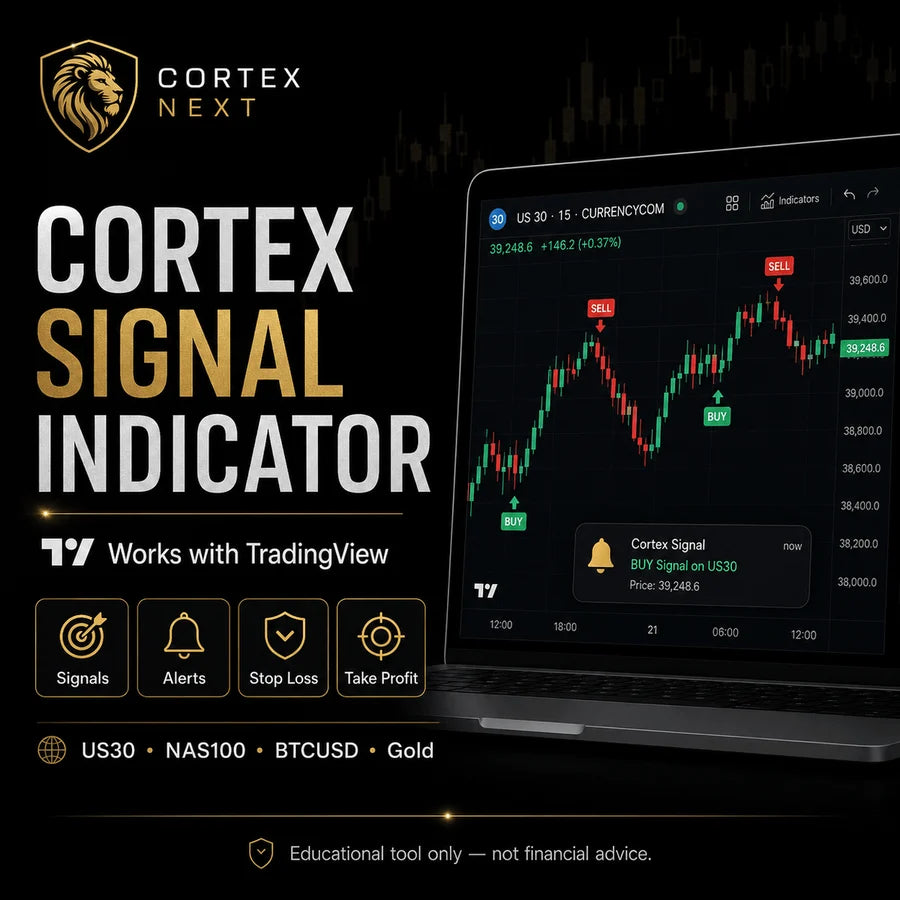
You see the setup, you place the trade.
$1,497.00$1,997.00
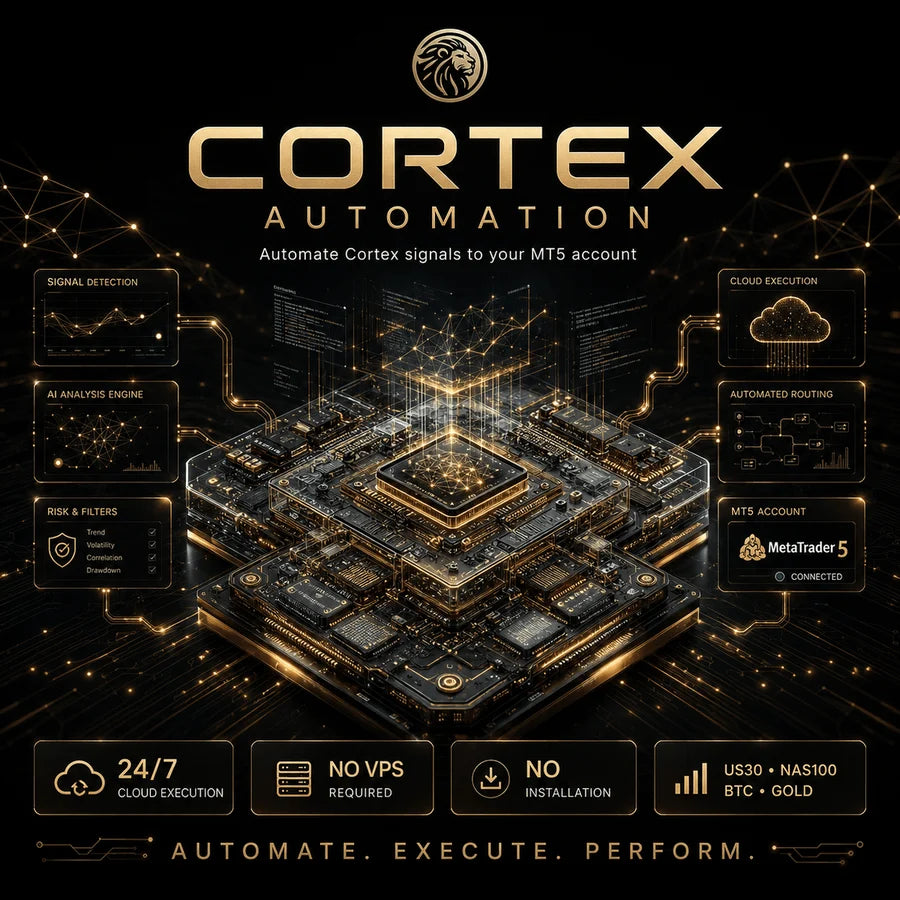
The full system, placed on your MT5.
$2,497.00$2,994.00

Reads structure on any market.
$997.00$1,294.00
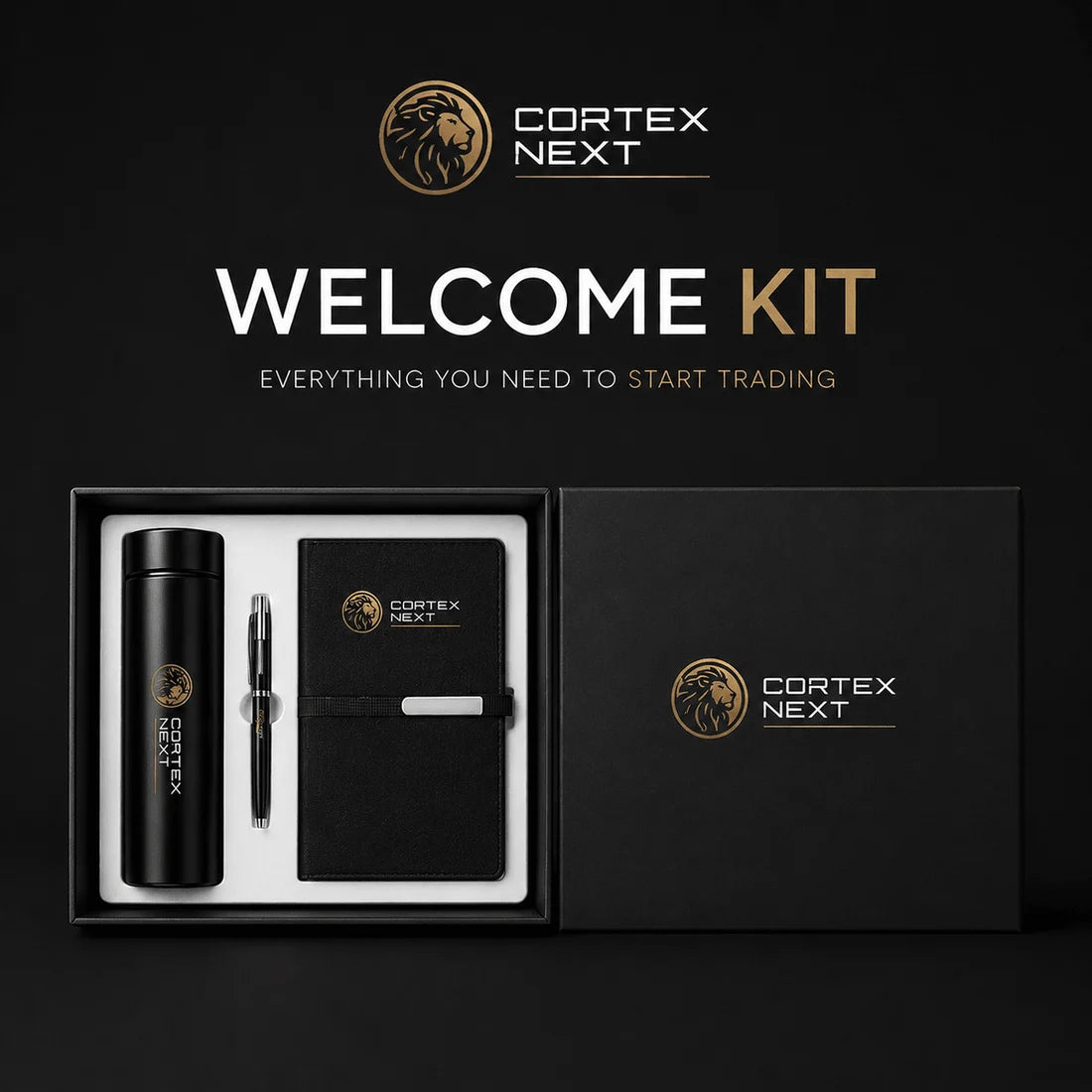

Included free
Your digital tools unlock at checkout; the kit follows by mail with tracking.
Free with every order
Ships free with every order, while supplies last. Kit items are non-returnable.
Free library
21 short guides, from your first 30 days in trading to drawdown recovery and trade journaling.
 The Drawdown Recovery PlaybookFree
 The Trading Journal BlueprintFree
 The Funded Trader's PlaybookFree
 Trading Signals DecodedFree
 Trading Sessions & TimingFree
 Entry, Stop Loss & Take ProfitFree
 How to Trade During NewsFree
 The Difference Between a Professional Trader and an Impulsive TraderFree
 Intelligent AutomationFree
 The End of Movie TradingFree
From the blog
ATR stops, position sizing, backtesting and MT5 setup, explained step by step.
 Oct 08, 2026
Increasing lot size too early is the most common way to give back months of gains in a single week. Measurable criteria...
Read Oct 08, 2026
ATR measures the market's real volatility. If your stop is tighter than the instrument's normal noise, you get wicked out before the...
Read Oct 08, 2026
The MetaTrader 5 setup that prevents expensive mistakes: server time zone, real lot value, a saved chart template, algo-trading permissions, and a...
Read Oct 08, 2026
Why going long US30 and NAS100 together nearly doubles your risk, how Gold and the dollar usually behave toward each other, and...
Read Oct 08, 2026
Why a 30% loss needs a 43% gain just to break even, how to tell a normal losing streak from a broken...
Read Oct 05, 2026
Which fields to log on every trade, the seven metrics to calculate each week, and the 20-minute review routine that turns a...
Read Oct 05, 2026
How to run a manual backtest in TradingView's Bar Replay, which metrics actually matter (expectancy, drawdown, losing streak), the four biases that...
Read Oct 05, 2026
How to set TradingView alerts that do not fire falsely, what a webhook actually is, and how to chain signal, alert and...
Read Oct 05, 2026
The three ways to trade Bitcoin compared: buying spot, trading CFDs with a broker, or using futures. Ownership, leverage, costs, session timing...
Read Oct 05, 2026
Scalping, day trading and swing trading compared by screen time, capital, cost per trade and stress, plus a four-question test to pick...
ReadFrom members
Comments from people using Cortex tools on their own accounts. Individual experiences, not typical results.
Cortex Signal finally gave my charts structure. I stopped second-guessing every candle and started trading my plan.
Cleanest indicator I have added to TradingView. Setup took two minutes and the levels are genuinely easy to read.
What I value most is the discipline it builds. It keeps me patient instead of chasing every move on the chart.
Support replied within the hour and walked me through the full setup. Rare to see that level of help these days.
Cortex Flow being included for free was a real bonus. Two tools that actually work together on the same chart.
I am still learning and this made my charts make sense. No clutter, just the structure I actually needed.
Trading with structure instead of emotion is exactly what it delivers. It changed my whole routine.
Clean signals, clear levels, zero noise. It slots right into the way I already trade.
Onboarding was smooth and the docs are clear. I had it running on my charts the same day I joined.
It does not trade for me and I like that. It gives me the read and I make the call. Full control stays with me.
Finally an indicator that respects the chart. Minimal, sharp and easy on the eyes during long sessions.
I tried a dozen tools before this. Cortex is the first one I actually kept on my layout.
The 5-day trial sold me. I could test it on my own charts before committing to anything.
Setup, support and the tool itself are all dialed in. You can tell real traders built this.
It taught me to wait for structure instead of forcing trades. My discipline has never been better.
Used Cortex? Tell other traders how it went.
Review us on TrustpilotFAQ
Straight answers on what Cortex does, what it costs and what it doesn't do.
Cortex Next is a Miami-based provider of educational trading tools. It sells two TradingView indicators, Cortex Signal and Cortex Flow, and Cortex Automation, a service that executes Cortex signals on MetaTrader 5. It is not a broker, never holds client funds and does not give personalized financial advice.
No. Cortex Signal is a manual TradingView indicator. It marks a possible setup with an entry area, a stop loss and three take-profit targets, then alerts you. You decide whether to take it, place the order and manage the risk. Automated execution is a separate service, Cortex Automation.
No. Cortex Signal confirms each signal on the candle close, so once a signal prints it stays on the chart and does not move or disappear while you review it. You can check this yourself during the 5-day trial on a demo or live TradingView account.
US30, NAS100, BTCUSD and Gold (XAUUSD), in set windows, New York time: BTC 05:00–07:00 and 22:00–24:00, US30 09:00–11:00, NAS100 10:00–12:00, Gold 13:00–15:00 and 21:00–23:00. The number of signals varies with the market. It works on any TradingView plan, including the free one.
Cortex Automation automates the entries of the Cortex Signal indicator: when Signal marks a setup, Automation places it on your MetaTrader 5 account, demo or real. It runs 24/7 on Cortex servers, so there is no VPS and nothing to install. You set the risk per trade, the assets and the schedule, and you can pause or disconnect anytime. It requires Cortex Signal and does not support MT4.
Cortex Signal is $1,497 and includes Cortex Flow free. Cortex Flow on its own is $997. Cortex Automation is $997 and requires Cortex Signal. The Cortex Automation Full Pack is $2,497: Signal and Automation for 365 days, Cortex Flow for life and a physical Welcome Kit. Buy now, pay later is available at checkout.
You fill in a short application, and a Cortex Next representative contacts you within 24 hours with the next steps. The trial runs for 5 days on your own demo or live TradingView account, so you can check the signals, alerts, stop loss and take-profit levels before you buy.
No. Your capital stays in your own broker account, and Cortex Next cannot withdraw or move your funds. Cortex Next does not guarantee profits or any result. Trading involves risk, losing trades happen and past results do not guarantee future performance.
The Cortex Next member area includes Cortex Finance Monitor (live markets, macro data and news), courses and Cortex Academy lessons, daily live sessions at the New York and Asia opens, a trading journal, a private moderated community and, for Automation clients, the dashboard to connect and follow their MT5 account.
Start today
Answer a few questions and a Cortex Next rep contacts you within 24 hours. Test on a demo or live TradingView account.
Cortex Next · Miami, FL · Educational trading tools, not financial advice. Trading involves risk; results are not guaranteed.