


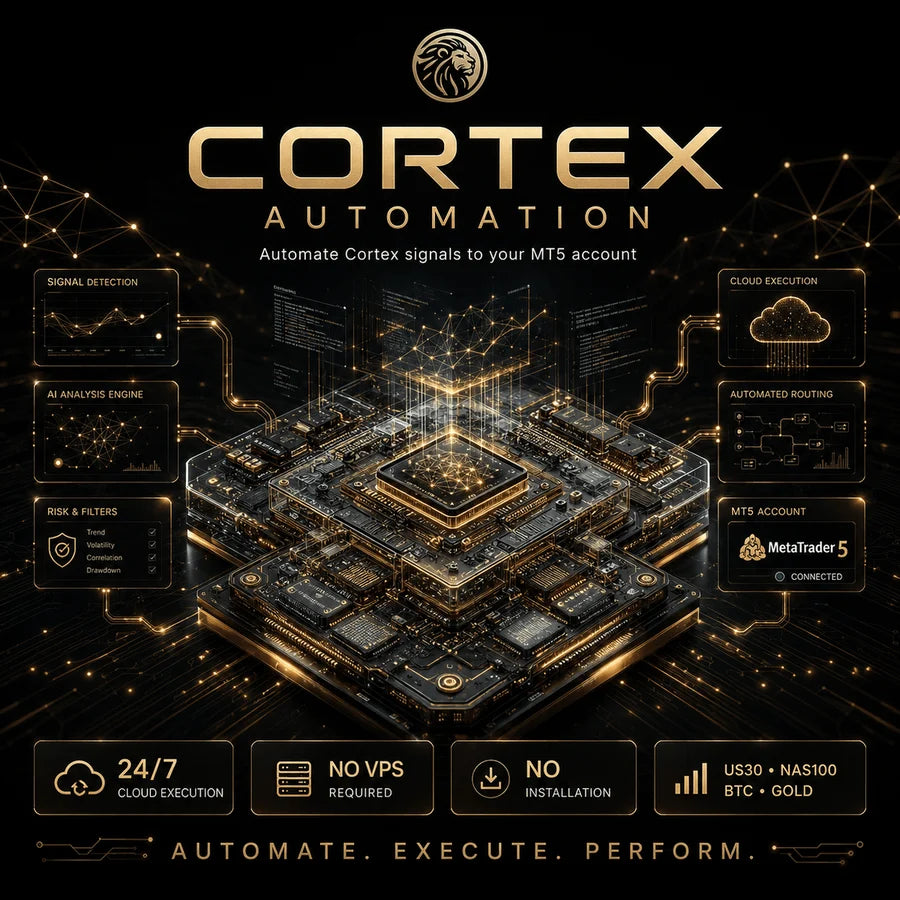



Automation
You Complete 3 quick steps inside the app. We Connect your account to our server. Start in Automation MetaTrader 5 · Demo or real · ~5 minutes to connect ◉Start here
Before anything, start in demo
It's completely risk-free — the demo uses virtual money, so nothing of yours is at stake. You see exactly how the system trades before investing real money. Once you've watched it work and you're convinced, you can move to a real account whenever you want.
Step 1
What account you need
MetaTrader 5 (MT5)
Demo or real. It's the recommended platform. MT4 is not available yet.
Demo now, real when ready
The demo has no minimum balance — ideal to get to know the system with zero risk.
Not funded / prop accounts
FTMO and similar ban robots in their rules and can close your account. Use your own account, demo or real.
Step 2
How to connect, step by step
Sign in at cortexnext.app → Automation → Connect accountChoose your platform
Select MT5 (recommended).
Enter your account data
- Nickname Any name you want (e.g. "My account").
- Login Your MT5 account number.
- Password Your MAIN MT5 password — the one that can trade.
- Server Your broker's (e.g. ICMarketsSC-Demo01, FTMO-Demo).
- Find your login and server inside MetaTrader 5 when you sign in, or in the email your broker sent you.
Choose your signals and your risk
You choose
Assets: US30, NAS100, BTC and Gold — pick the ones you want. Set your daily risk with the % bar (the most your account can risk per day). For Gold and BTC, choose Day, Night or Both. The app shows the recommended minimum balance and recalculates it live as you choose.
Press "Connect"
Your request is sent and the team takes care of the rest.
Use your MAIN password — the one that can trade. The "investor" password is read-only, so the bot could not open trades. Your key travels encrypted and is used only by the team to connect your account.
Balance
How much balance do I need?
Any account size can connect, and in demo there's no minimum. These are the practical minimums for a real account — the higher the balance, the smoother it runs.
BTCThe most accessible
from ~$300–500 US30 / NAS100A step up in risk
from ~$400–500 Gold (XAUUSD)Needs the most balance · skip it if capital is tight
from ~$700 · ideal ~$2,000 All 4 assetsRunning with low risk
from ~$3,000 · ideal ~$9,000 💡Short on capital? Pick fewer assets (skip Gold) and raise the risk a little — the minimum drops. The app recalculates the number live.
After you connect
And now, what happens?
We connect your account
It runs on our server, 24/7. Nothing to install or configure, and you don't leave your computer on.
You control everything
Turn the bot on or off and change your risk, assets or day/night schedule whenever you want — each account separately. Changes apply live.
Follow your performance
From your panel you see the status and the results of every connected account.
FAQ
Frequent questions
Do I need to leave my computer on or run a server?
No. Everything runs on our server, 24 hours a day. Nothing to install, nothing to hire, no computer left on. You just connect your account from the app and the system trades on its own.Main password or investor password?
The main one (the one that can trade). The investor password is read-only, so the bot could not open trades and the account can't be connected.Can I change my risk or my assets later?
Yes. From your panel you can edit the risk, the assets and the schedule of each account whenever you want — changes apply live, with no need to reconnect.Which accounts can I connect?
MT5 accounts, demo or real. Funded / prop accounts (FTMO and similar) don't work because they ban robots.Is it safe to give my password?
Your key travels encrypted and is only used to connect your account to the system. No one else sees it. Even so, you can change it whenever you want from your broker.How much do I need to start?
In demo you trade with virtual money, so nothing of your own is at stake while you test. In real, the app shows your minimum based on the assets and the risk you choose.Ready?
Ready to connect?
Open the app, load your demo account and try the system with zero risk.
Go to cortexnext.app

