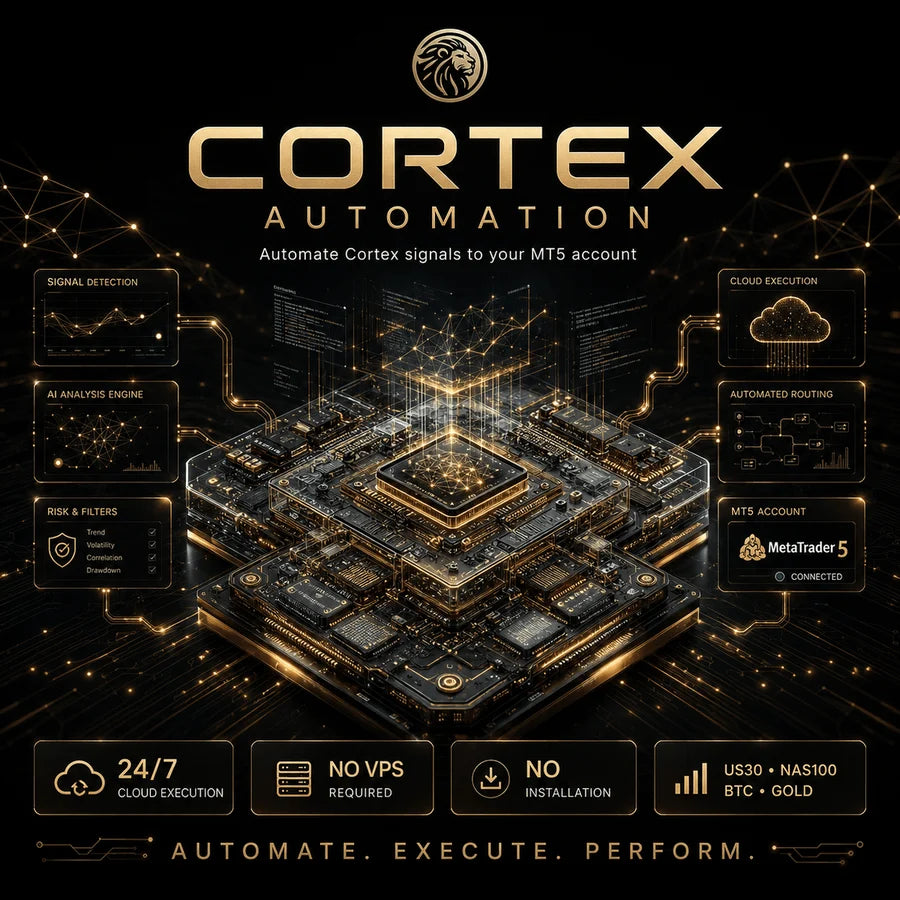
Cortex Automation takes the entries the Cortex Signal indicator marks and places them on your MetaTrader 5 account, with the risk, the assets and the schedule you choose. It runs 24/7 on our servers, so there is nothing to install and nothing to babysit.
A MetaTrader 5 account, demo or real (we recommend starting on demo)
Your main trading password, not the investor password
A starting balance that fits your plan: from about $300–500 to trade BTC only, up to around $3,000 to run all four assets comfortably
Your account and your credentials
Your credentials travel encrypted and are only used to connect your account to the system. You keep full ownership of your account and can disconnect anytime.
Extra accounts
Your plan connects one MetaTrader 5 account. Each additional account has its own monthly fee.
Cortex Automation executes Cortex signals with the risk you configure. It does not constitute financial advice, and trading leveraged products involves substantial risk. Results are not guaranteed.
Cortex Automation$997.00
What it is
Cortex signals,executed for you
Cortex Automation receives the Cortex Signal entries and executes them on your MetaTrader 5 account. Everything runs server-side, 24/7: no downloads, no VPS, no computer left on. You decide the risk per trade, which assets to trade and when the system is allowed to work.
Cortex AutomationConnected · MT5
Execution
BTCLongSignal received
GoldShortOrder placed
US30LongOrder placed
Risk per trade
1.0% per trade
Assets
US30NAS100BTCGold
Schedule
DayNight24h
Server
Running 24/7
Dashboard
2Open positionsActiveAccount
Illustration only
Your rules, on autopilot
Automatic executionCortex signals are placed on your MT5 account the moment they fire, day or night.
You set the riskChoose the risk per trade and the system sizes every position to your account. Change it whenever you want.
Your assets, your callTrade US30, NAS100, BTC and Gold (XAUUSD), whether one, several or all four.
Day and night schedulesDecide when the system is allowed to trade: day sessions, overnight or around the clock.
Nothing to installRuns 24/7 on our servers. No VPS to rent, no terminal to keep open, no updates to manage.
Live dashboardFollow your account status and open positions from your dashboard at any time.
How to connect
Live in aboutfive minutes
01
Choose your platform
MetaTrader 5, on a demo or a real account.
02
Enter your account
Nickname, login, main trading password and server.
03
Configure
Pick your signals, your risk level and your assets.
You trust the signals but cannot sit at the screen all day. Cortex Automation executes them for you with your rules, while you keep full ownership and visibility of your account, and you can disconnect at any time.
Cortex Automation is a signal-execution service. It does not constitute financial advice or a recommendation to buy or sell any asset, and results are not guaranteed. Trading leveraged products involves substantial risk, so configure your risk responsibly. You remain the owner of your account at all times.
Get started
Put Cortexon autopilot
Connect your MetaTrader 5 account and let Cortex Automation execute the signals with your rules.
Cortex Automation
The automation service on its own
$997.00
Automatic execution of Cortex signals on your MT5
You set the risk, the assets and the schedules
Runs 24/7 on our servers, nothing to install
Live dashboard to follow your account
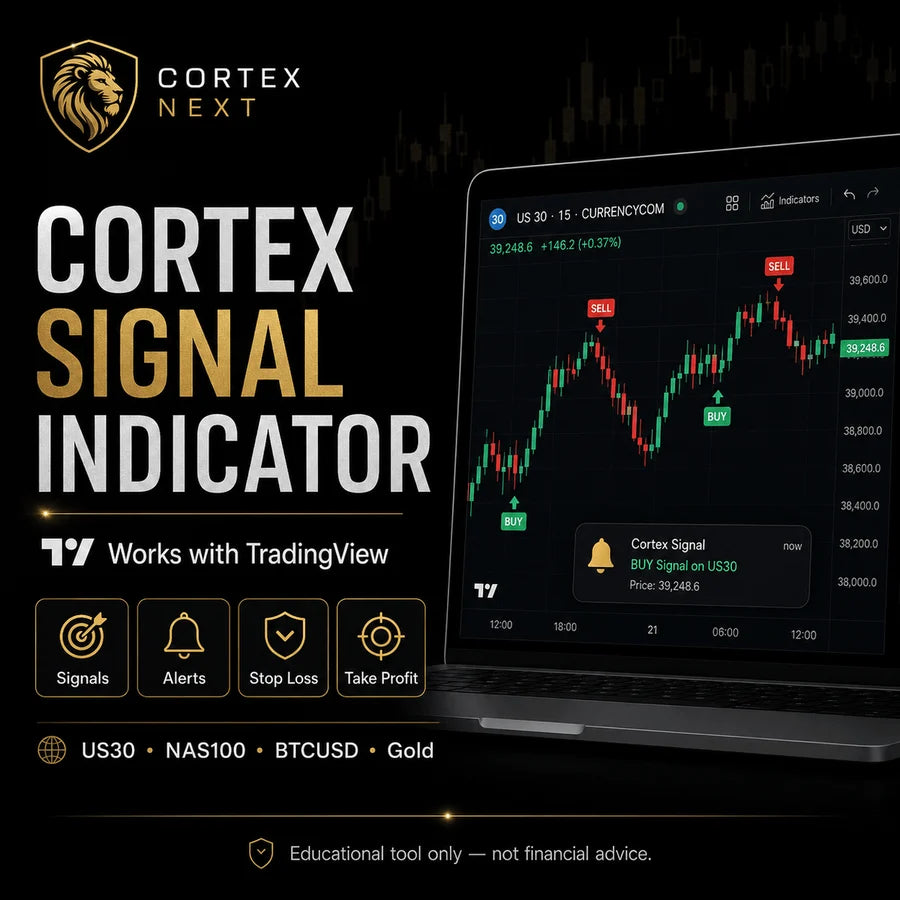
Requires the Cortex Signal indicator.
Cortex Automation Full Pack
The complete Cortex system
$2,497.00$2,994.00$497 off
Cortex Automation: the system places the trades
Cortex Signal Indicator: the signals it executes
Free gift: Cortex Flow indicator
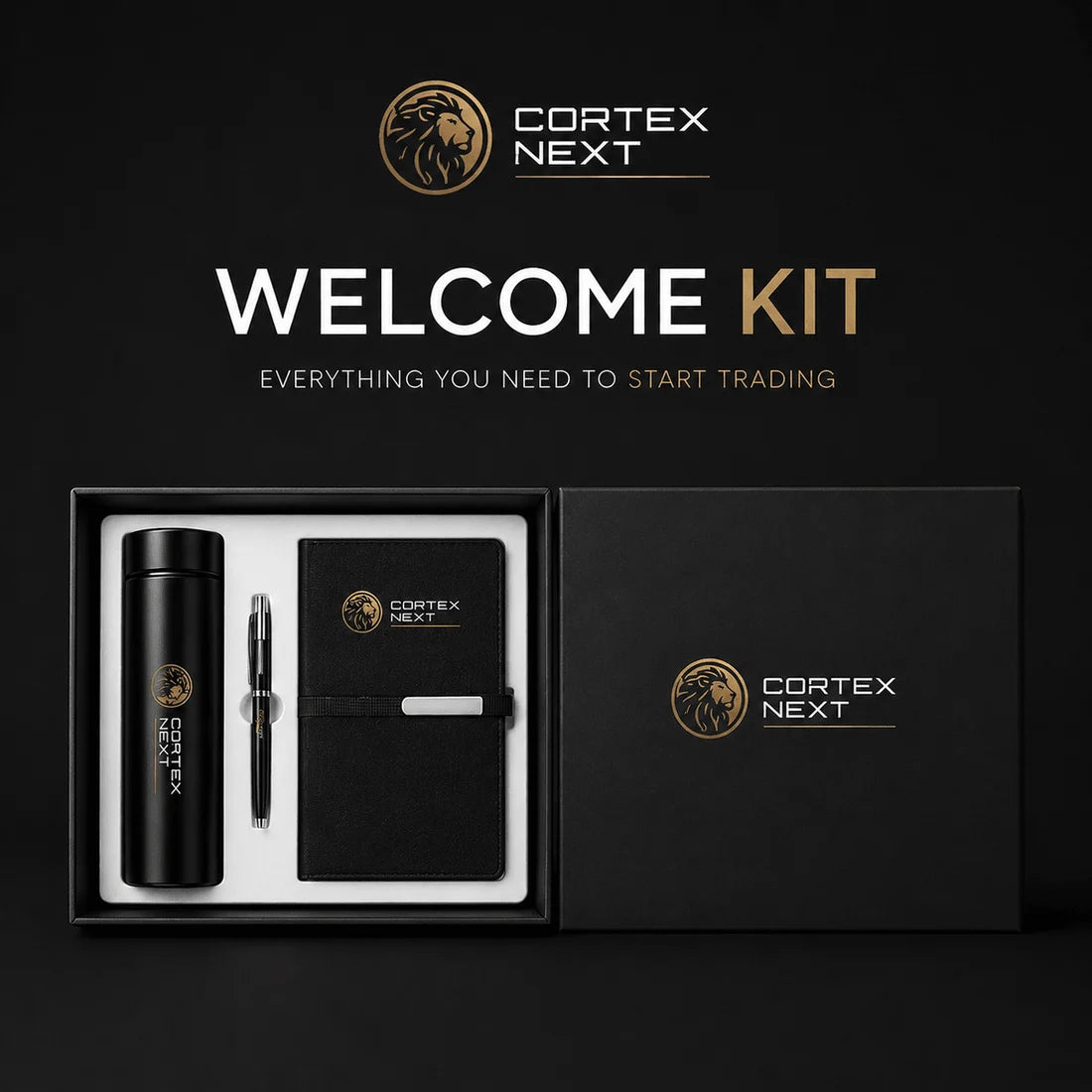
Free gift: physical Welcome Kit shipped to your door
Buy now, pay later available at checkout.
FAQ
Questions aboutCortex Automation
Is Cortex Automation a bot or an Expert Advisor?
No. Cortex Automation automates the entries of the Cortex Signal indicator: it receives Cortex signals and places them on your MetaTrader 5 account, running 24/7 on Cortex servers. You keep full ownership and control of your account.
What is the difference between Cortex Signal and Cortex Automation?
Cortex Signal is a TradingView indicator you trade manually. Cortex Automation is a separate service that executes those same Cortex signals automatically on your MetaTrader 5 account. Signal shows you the setup; Automation places it for you.
Do I need Cortex Signal to use Cortex Automation?
Yes. Cortex Automation only works together with the Cortex Signal indicator, because it executes Cortex signals. If you do not own Cortex Signal yet, choose the Full Pack, which includes both.
Which platform does it use, and does it work on MT4?
Cortex Automation runs on MetaTrader 5 (MT5), on a demo or real account. MT4 is not supported.
Which brokers does it work with?
Cortex Automation works with almost any broker that offers MetaTrader 5 accounts. You keep your own broker and account, and Cortex only connects to execute the signals. Spreads and conditions vary by broker, which can affect your results.
Can I use it with a funded or prop firm account?
Cortex Automation runs on any MetaTrader 5 account, including funded ones, but prop firm rules on automation and external signals vary and change often. You are responsible for checking your firm's current rules, and Cortex Next does not guarantee compliance.
Can I choose which assets and times it trades?
Yes. You choose the assets (US30, NAS100, BTC and Gold/XAUUSD) and the day and night schedules, and you set the risk per trade. You can change all of this anytime from your dashboard.
Can I set and change my risk per trade?
Yes. You set the risk per trade and the system sizes each position to your account. You can adjust the risk, the assets and the schedules whenever you want.
Do I need a VPS, downloads or my computer on?
No. Cortex Automation runs 24/7 on Cortex servers. There is nothing to download, no VPS to rent and no need to keep your computer on.
Can I pause or disconnect it, and do I keep control?
Yes. You keep full ownership of your account and can pause or disconnect Cortex Automation at any time. You stay in control the whole time.
Is there a dashboard to monitor it?
Yes. A live dashboard lets you follow your account status, open positions and results at any time.
Are my credentials safe?
Your credentials travel encrypted and are used only to connect your account to the system. The connection needs your MetaTrader 5 main trading password, not the investor password. Never share passwords used to withdraw funds.
How do I connect after buying, and how long does it take?
After purchase, choose MetaTrader 5, enter your account details (nickname, login, main trading password and server), set your signals, risk and assets, and press Connect. You are usually live in about five minutes, and a full step-by-step manual is included.
How many accounts can I connect, and is there an extra cost?
Your plan connects one MetaTrader 5 account. Each additional account has its own monthly fee: see Automation Monthly Fee.
Can I test Cortex Automation before committing?
Yes. You can connect a demo MetaTrader 5 account first to watch the system operate. You can also try Cortex Automation for 5 days for $20 through Cortex Automation Test before subscribing.
How much balance do I need?
It depends on how many assets you run: from about $300-500 to trade BTC only, up to around $3,000 to run all four assets comfortably. Trading involves risk and results are not guaranteed.
No questions match your search.
Already have Cortex Signal?
Connect your MT5and let it run
Live in about 5 minutes, with the risk, the assets and the schedule you choose. You keep full ownership of your account.
Cortex Next · Miami, FL · Signal-execution service, not financial advice. Trading involves risk; results are not guaranteed.





 Cortex Automation


