



NY windows
09:00–11:00 NY
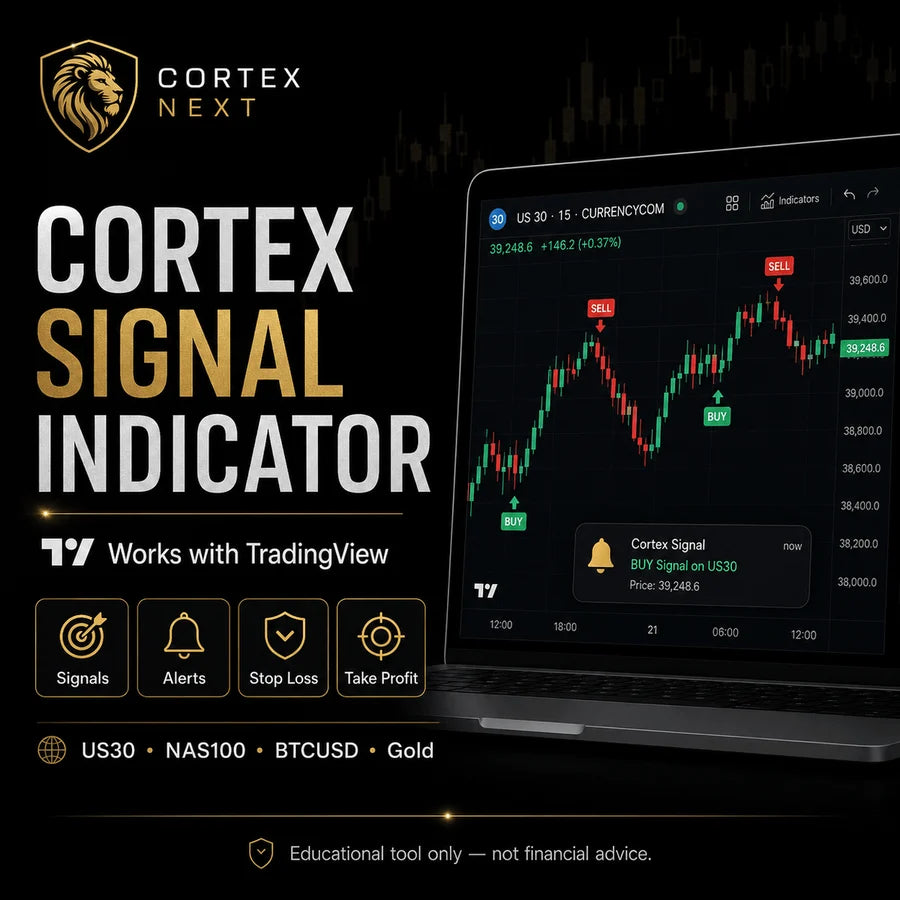
Cortex Signal · TradingView indicator
Cortex Signal marks possible setups right inside TradingView. Entry, stop loss and three take-profit targets, and it pings you the moment one appears. Built for US30, NAS100, BTCUSD and Gold.
Cortex Signal Plan · billed monthly
Instant access · Cortex Flow included free with your plan
Special bonus · $997 value
Every Cortex Signal purchase unlocks a second indicator, Cortex Flow, completely free. It is added automatically at checkout, no code needed.
A TradingView account. Cortex Signal works on any plan, including the free one, and on the TradingView mobile app. A paid plan only adds more simultaneous indicators and alerts.
Access is instant. After purchase, open Indicators in TradingView, go to the Invite-only scripts section at the bottom and click Cortex Signal to add it to your chart. Access can take a couple of minutes to sync.
By buying you accept the Cortex Next Agreement. Please sign it for your records after checkout.
Read the AgreementWhat it does
When the market meets specific conditions, Cortex Signal can display a signal on your TradingView chart and trigger an alert. Each setup can show a full plan.
Illustration only
How it works
Get instant access right after purchase and load Cortex Signal on your own TradingView account.
Turn on TradingView alerts so you are notified the moment a possible setup appears.
Each signal can show an entry area, a stop loss and three take-profit targets.
Test it on your own demo or live account and stay in full control of every trade.
See the indicator in action
Cortex Signal marks the setup and organizes the levels directly on your chart.


Real TradingView screenshots. Past signals do not guarantee future results.
Markets supported
Cortex Signal looks for setups in set windows per asset, New York time. The number of signals varies with the market.
NY windows
09:00–11:00 NY
NY windows
10:00–12:00 NY
NY windows
05:00–07:00 · 22:00–24:00 NY
NY windows
13:00–15:00 · 21:00–23:00 NY
Why traders use it
Many traders struggle because they enter on emotion, guesswork or pressure. Cortex Signal brings structure to the process, so instead of watching charts all day without direction you get a clear alert when a possible setup appears.
Signals appear when specific conditions are met, not on a hunch.
Entry, stop loss and three targets, so you know your levels before you act.
Spot a structured opportunity in seconds instead of after long analysis.
Stay on top of the session without watching the chart all day.
A defined process helps you act on structure, not on pressure.
US30, NAS100, BTCUSD and Gold in the same structured view.
5-day trial
Try Cortex Signal for 5 days using your own TradingView account, demo or live, and see how the signals, alerts, stop loss and take-profit levels work for yourself.
You stay in full control of your own trading account.
Is it for you?
Get started
Cortex Signal Plan · billed monthly · Cortex Flow indicator included free with your plan
$500.00 / month
Instant TradingView access after purchase · Cortex Flow added free at checkout
By buying you accept the Cortex Next Agreement. Please sign it for your records after checkout. Read the Agreement

The full Signal Kit plus every Telegram Channel
$2,497
Instant access after purchase. Trading involves risk.
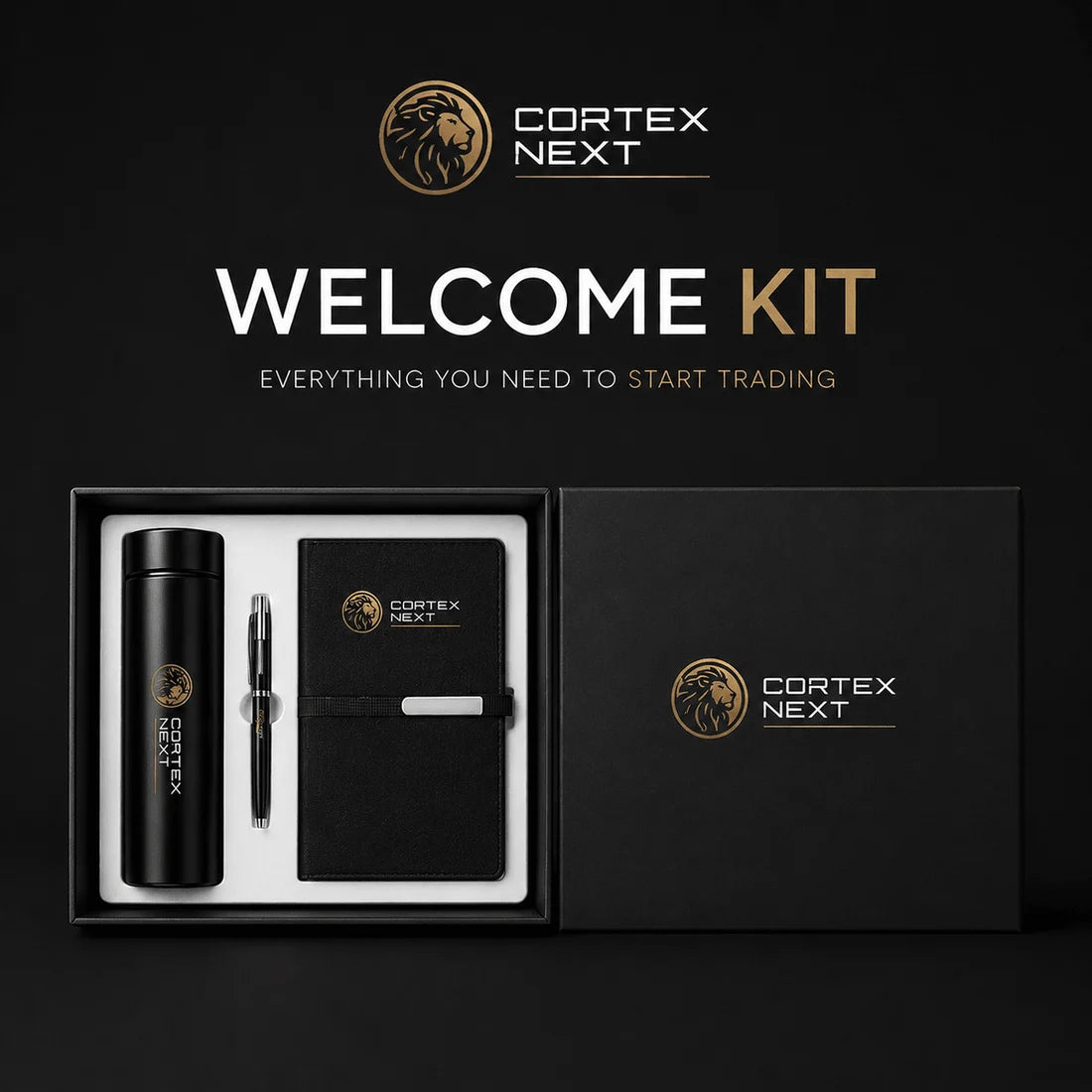

Included free
Your digital tools unlock at checkout; the kit follows by mail with tracking.
Free with every order
Ships free with every order, while supplies last. Kit items are non-returnable.
FAQ
Cortex Signal is a TradingView indicator that marks structured setups. It is not a bot: it highlights signals and levels on your chart, and you place and manage every trade yourself. Automated execution is available separately through Cortex Automation.
Each signal can show a clear entry area, a stop loss and three take-profit targets (TP1, TP2, TP3), so you know your levels before you act. It is built for US30, NAS100, BTCUSD and Gold (XAUUSD).
You confirm and place every trade yourself. Cortex Signal is a manual indicator: it alerts you to a possible setup, and you decide whether to take it and manage your own risk. For hands-off execution, use Cortex Automation.
No. Cortex Signal does not repaint. Signals confirm on the candle close, so once a signal prints it stays on the chart and does not move or disappear while you review it. You can verify this yourself during the 5-day trial.
Cortex Signal works in defined windows per asset, in New York (NY) time: BTC 05:00-07:00 and 22:00-24:00, US30 09:00-11:00, NAS100 10:00-12:00, and Gold 13:00-15:00 and 21:00-23:00. The number of signals varies with the market and is not fixed.
Cortex Signal is designed for US30, NAS100, BTCUSD and Gold (XAUUSD). It runs on TradingView, so it is broker-independent, and you can use it on any demo or live chart you have there.
Yes. Cortex Signal is built for intraday trading on US30, NAS100, BTCUSD and Gold. You decide how to trade each setup within your own plan and risk management, and results are not guaranteed.
Yes. Cortex Signal shows the same signals on demo and live accounts, so you can test it on demo first and then apply it on a live account when you are ready.
You need a TradingView account. Cortex Signal works on any plan, including the free one, and on the TradingView mobile app. A paid TradingView plan only adds more simultaneous indicators and alerts, so it is not required.
Access is instant. After purchase, open Indicators in TradingView, go to the Invite-only scripts section at the bottom, and click Cortex Signal to add it to your chart. Access can take a couple of minutes to sync; if it does not appear, refresh and try again.
Right-click the chart or the indicator, choose Add alert, set the condition to Cortex Signal and pick your notification (pop-up, sound, email or app), then Create. Alerts and the indicator also work on the TradingView mobile app, so you can follow setups from your phone.
You can review Cortex results on the Track Record page. Past results do not guarantee future performance, and your own results can differ depending on execution, broker, spread and risk management.
No. Cortex Signal is a TradingView indicator, so on its own it does not run on MT4 or MT5. To execute Cortex signals on MetaTrader 5 automatically, you need the separate Cortex Automation service.
You get instant access to the Cortex Signal indicator on TradingView, plus the Cortex Flow indicator free. After purchase you also join a VIP group with support from early morning until around 10pm and a community where you can ask questions.
Yes. Cortex Signal includes a 5-day trial on your own demo or live TradingView account, so you can test the signals, alerts, stop loss and take-profit levels before committing.
No questions match your search.
From our community
Real comments from members using Cortex Signal on their own accounts.
US30 dio la entrada, los 3 TP. Gracias, el indicador muy preciso.
En el oro y en el US30 funciona de maravilla. Le sigo haciendo backtesting y hasta el momento se ve muy bueno.
Este indicador no está solo para probarlo 5 días: en dos días y medio ya se veían resultados.
Get started
Get the Cortex Signal indicator on TradingView for US30, NAS100, BTCUSD and Gold, and unlock the Cortex Flow indicator free with your purchase.
Cortex Next · Miami, FL · Educational trading tools, not financial advice. Trading involves risk; results are not guaranteed.


